Why Choose a Compact Laser Cutter for Your Business?
For many small manufacturers, a laser cutter can turn a detailed idea into a finished product within minutes. A Compact Laser Cutter offers this capability without demanding an entire workshop floor. Its smaller footprint can fit beside a workbench, near a design station, or inside a growing studio. That saved space may also reduce setup time and simplify daily workflow.
The practical value goes beyond size. Many compact models support precise cutting, engraving, and rapid prototyping for wood, acrylic, leather, paper, and other approved materials. A business can test custom signage, product samples, packaging inserts, or personalized goods with less initial investment. Clear software, stable motion systems, and dependable cooling often matter more than impressive marketing claims. Small details matter.
However, compact equipment is not automatically the perfect choice. A limited working area may restrict large orders or force extra assembly steps. Cutting speed can vary sharply between materials, thicknesses, and machine settings. Operators should review manufacturer specifications, ventilation requirements, material compatibility, and maintenance instructions before purchasing. Experienced users also keep test pieces nearby, because a setting that works on one sheet may scorch another.
Reliable results require more than pressing a button. Staff training, eye protection, safe material handling, and routine cleaning support consistent operation. A sensible buyer should compare warranty terms, technical support, replacement parts, and verified customer feedback. The lowest price may become expensive when downtime interrupts production. In the end, choosing a Compact Laser Cutter means balancing available space, expected workload, product quality, and realistic growth plans. It is a practical tool, but not a shortcut around careful planning.
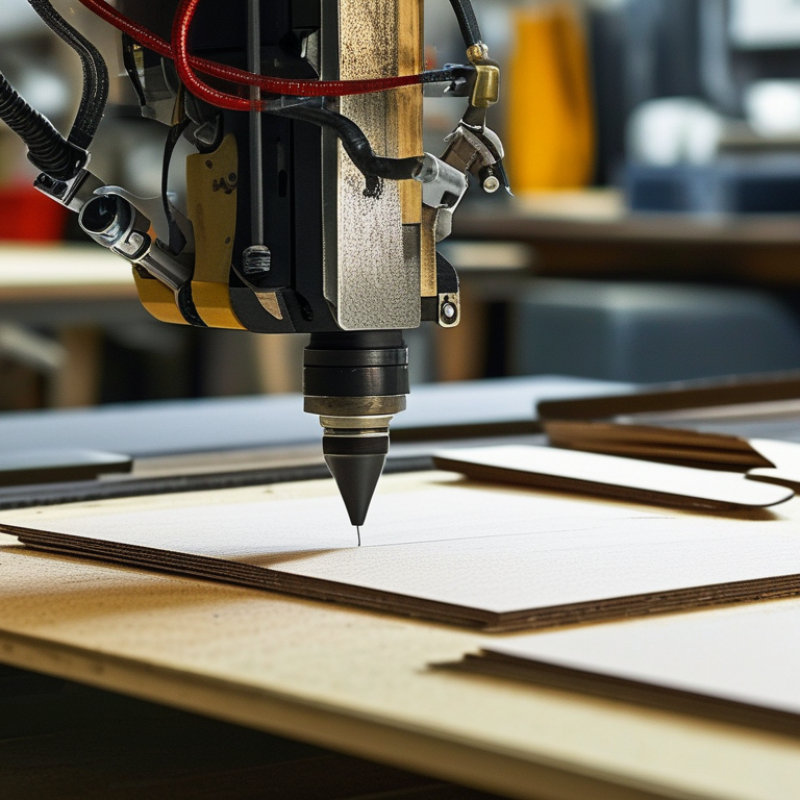
Compact Laser Cutters: Define the 300–900 mm Workspace and Business Fit
A compact laser cutter earns its place by matching the workspace to real production needs. The key measure is the usable cutting area, not the machine’s outside dimensions. A 300 mm workspace suits small signs, jewelry parts, model components, and short prototype runs. It needs less floor space. A 600 mm workspace supports wider panels, product batches, and more efficient material nesting. This size often balances capacity with manageable installation requirements.
A 900 mm workspace handles larger sheets and reduces repeated repositioning. That can improve consistency during longer jobs. However, the larger bed may require stronger ventilation, more clearance, and a steadier work surface. Measure twice. In daily operation, material size matters more than impressive specifications. Test your largest common sheet, then leave room for clamps, airflow, and safe handling. A machine that technically fits may still feel cramped.
From hands-on setup experience, businesses often overestimate their future workload. A smaller cutter can be more practical when orders are varied and storage is limited. Yet choosing too small a bed creates extra alignment work and wasted time. The uncomfortable part is admitting that neither size is universally best. Review job records, sample materials, cutting frequency, and operator skills before deciding. A short trial run with typical files can reveal problems that a specification sheet hides.
Laser Technology: Compare 10.6 µm CO₂ and 1.06 µm Fiber Systems
Why Choose a Compact Laser Cutter for Your Business?
A compact laser cutter can save floor space without sacrificing useful accuracy. The key decision is wavelength: 10.6 µm CO₂ systems or 1.06 µm fiber systems. CO₂ energy couples well with wood, acrylic, rubber, glass, and many non-metallic sheets. Fiber energy is absorbed efficiently by steel, aluminum, copper, and brass. This difference matters more than machine size.
The U.S. Department of Energy reports that industrial process heating represents about 32% of manufacturing energy use. Efficient cutting can therefore reduce waste, but efficiency depends on the material and operating settings. Industry market analyses published by Grand View Research also identify fiber lasers as a rapidly expanding segment, driven by metal-processing demand. In daily work, fiber systems usually offer faster thin-metal cutting and lower routine maintenance. CO₂ machines remain practical for mixed workshops with plastics and wood. This is not always simple. Thick reflective metals can challenge poorly configured fiber equipment.
Tips: Test your exact materials before buying. Ask for cut samples at production thickness, not showroom thickness. Measure kerf width, edge discoloration, fume extraction, and electricity use. Keep a small log; operators often trust assumptions too much. A compact machine still needs ventilation, stable power, and safe clearance. Check wavelength compatibility, lens costs, and service response time. The cheapest footprint may create the largest workflow bottleneck.
Productivity Metrics: Assess 20–100 W Power, Kerf, and Cutting Speed
A compact laser cutter can improve workflow when its power matches the material, not just the marketing claim. For many small businesses, 20–100 W offers a useful working range. Lower power suits thin paper, fabric, leather, and lightweight wood. Higher power handles thicker sheets and repeated production more consistently. However, wattage alone is not productivity.
Kerf deserves careful measurement. It is the narrow channel removed by the beam during cutting. A 0.1 mm difference can affect fitted parts, engraved borders, and small mechanical assemblies. I recommend cutting a test grid and checking dimensions with digital calipers. My first estimate was too optimistic. Dense wood produced wider cuts and more edge discoloration than expected. Real material behavior can challenge clean specifications.
Cutting speed should be recorded with power, passes, material, and thickness. A fast setting may reduce cycle time but leave incomplete corners or rough edges. A slower pass can improve accuracy, although it may increase heat marks. Track completed parts per hour, not only the speed shown on the control panel. For example, a 60 W machine running at 18 mm per second may outperform a faster setup requiring frequent rework. Keep a simple production log. It reveals useful patterns. Test ventilation, focus height, and material batches regularly, because small changes can alter results.
Why Choose a Compact Laser Cutter for Your Business?
Productivity benchmark for a compact CO₂ laser cutter processing 3 mm birch plywood in a single pass with air assist. Higher power generally enables faster cutting, while kerf may increase slightly as power and cutting energy rise. Actual results vary with optics, focus, material density, and machine settings.
Kerf is the average material width removed by the laser beam. Cutting speed values are representative engineering benchmarks rather than brand-specific performance claims.
Operating Economics: Compare Energy Use, Maintenance, and 10,000-Hour Diodes
Why Choose a Compact Laser Cutter for Your Business?
Operating costs often matter more than the purchase price. In my workshop, a plug-in power meter revealed a useful difference between standby and active cutting. A compact laser cutter may draw modest power while waiting, but energy use rises during long, dense jobs. Material thickness, cutting speed, and ventilation affect the final bill. Small details matter. Reviewing monthly meter readings is more reliable than trusting a brochure.
Maintenance also shapes production costs. I clean the lens, check the air path, and wipe the guide rails regularly. Dust buildup can reduce cutting quality and create extra rework. A compact frame usually makes these checks easier because key parts are within reach. The diode’s rated life may approach 10,000 hours under suitable conditions. That figure is not a promise. Heat, continuous operation, and poor airflow can shorten it. A replacement may still be cheaper than frequent downtime, but that depends on local labor and parts prices. I once delayed a cleaning cycle and lost several small pieces to uneven cuts. That mistake changed my maintenance log. Cost comparisons should include electricity, cleaning supplies, replacement diodes, downtime, and operator time. A simple spreadsheet can expose assumptions that initially look convincing.
Safety and Expansion: Apply Class 1 Enclosures and Modular Workflow Scaling
A compact laser cutter can support business growth without consuming an entire workshop. The real advantage appears when safety and expansion are planned together. A properly designed Class 1 enclosure contains accessible laser radiation during normal operation. It should include reliable interlocks, suitable viewing panels, controlled access, and effective fume extraction. Classification depends on the complete tested configuration, not the enclosure alone. That detail is easy to overlook.
My early assumption was that a compact machine needed little safety planning. That assumption was incomplete. Operators still need documented procedures, material checks, emergency-stop training, and regular inspection records. Keep the work area clear. Check filters and extraction paths before production begins. A small enclosure can reduce exposure risks, but it cannot replace responsible operation or technical verification.
Tips: Build the workflow in modules. Start with one cutter, a dedicated ventilation setup, and clearly labeled material storage. Leave space for a second unit later. Use repeatable file naming, job queues, and inspection points. These simple habits make expansion less chaotic. Separate cutting, cleaning, and packing zones when possible. Track cycle times and rejected pieces weekly. The numbers may reveal that another machine is unnecessary. Sometimes the better investment is improved extraction or staff training. Review the arrangement after real production begins, because paper plans rarely predict every bottleneck.